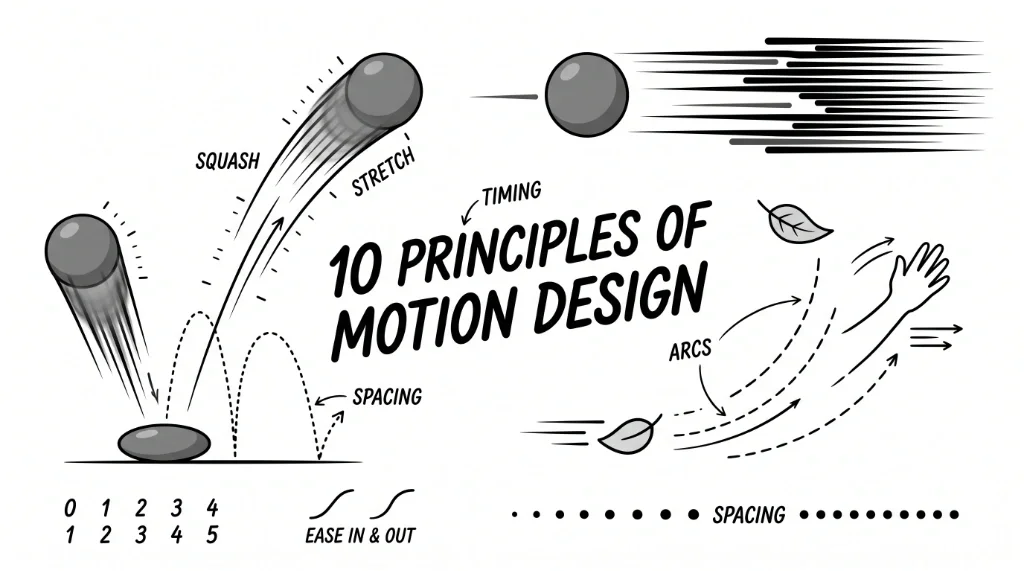
Motion design is aimed at creating movement in static images. It is everything that makes an image reveal itself in the best manner possible, from a nice reveal of logo animation to making a boring explainer video into an engaging and informative one. Even such things as user interface design and social media advertisements can benefit greatly from motion design. However, motion design is not limited only to the movement of objects on screen but also includes making movement look natural and organic. To achieve this effect, you have to know and understand some basics of motion design, which include the 10 main principles of it. These principles allow understanding how objects have to move, how they should be transitioned from one object to another and how to make a story using pictures. Knowing these principles will allow transforming basic motion graphics into something professional and stylish.
Why Are the 10 Principles of Motion Design Important?
Motion design principles make animation look and feel real. When things move in a way that makes sense, it's easier for people to accept what they're seeing. How things move and when they move helps get the point across. A good animation can guide your eye and make sure you see what's important. These basic animation principles are essential to grab users' attention. They add to engagement by making stories more appealing and emotional, and allow designers to express their personality, mood, and tone of voice. If you are just entering the world of animation, these basics are the fastest path towards mastering this skill set. Knowing these principles will give you a roadmap to designing motion graphics the right way.
Let’s see how it all works:
- Timing, Spacing, and Rhythm
- Eases
- Mass & Weight
- Anticipation
- Arcs
- Squash, Stretch & Smears
- Follow Through & Overlapping Action
- Exaggeration
- Secondary and Layered Animation
- Appeal
1. Timing, Spacing, and Rhythm
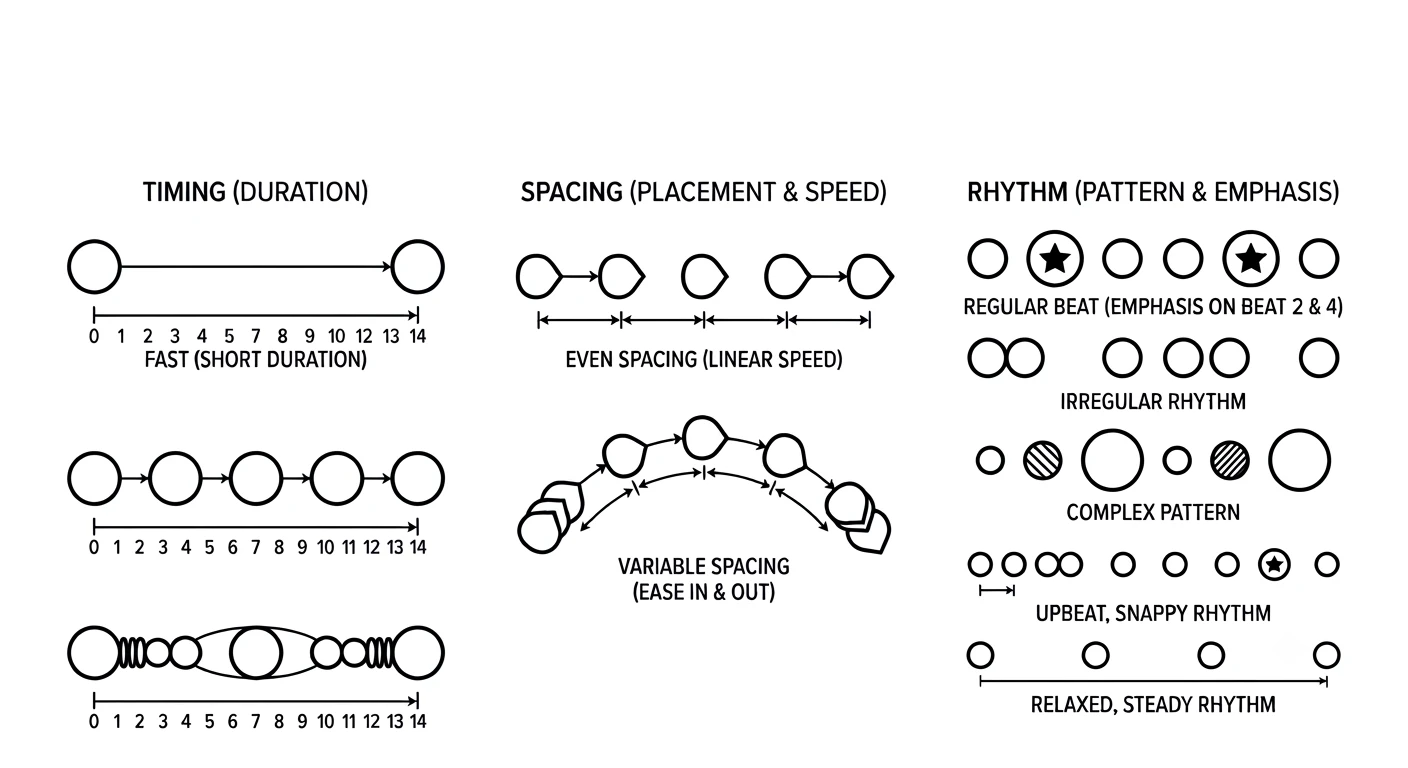
As for animation, timing and spacing are very important. The former refers to the duration of an action while the latter one refers to the distance an object covers from one frame to another. You may consider the timing as the overall pace of an action while spacing will be its feel while performing.
Rhythm is the element which combines the other two and gives the illusion of motion. All these three concepts give control over the speed, vitality, and liveliness of an animation. If you need to create a user interface transition to be snappy, you should use short timing and tight spacing. In case your aim is to make something slow and relaxing, you should employ wider spacing and long timing to create relaxed rhythm. There is one thing which many animators do incorrectly – they pay too much attention to the start and the end of an action while ignoring spacing in between. It makes the result stiff and unappealing.
2. Eases
In real life, things don't usually start or stop moving right away - they speed up and slow down. To make digital movements look natural, we use something called easing. This is where we adjust how fast or slow something moves. For example, "ease-in" means something starts moving slowly and then picks up speed, like it's getting momentum. On the other hand, "ease-out" means something slows down at the end, like it's running into friction. Then there's "ease-in-out", which combines both, making the movement look smooth and nice.
When we're animating something, using a little "ease-out" can make a big difference. Like with a sliding menu, if it slows down a bit at the end, it feels polished and easy to use. But if it just moves in a straight line, it can feel rough and mechanical.
3. Mass & Weight
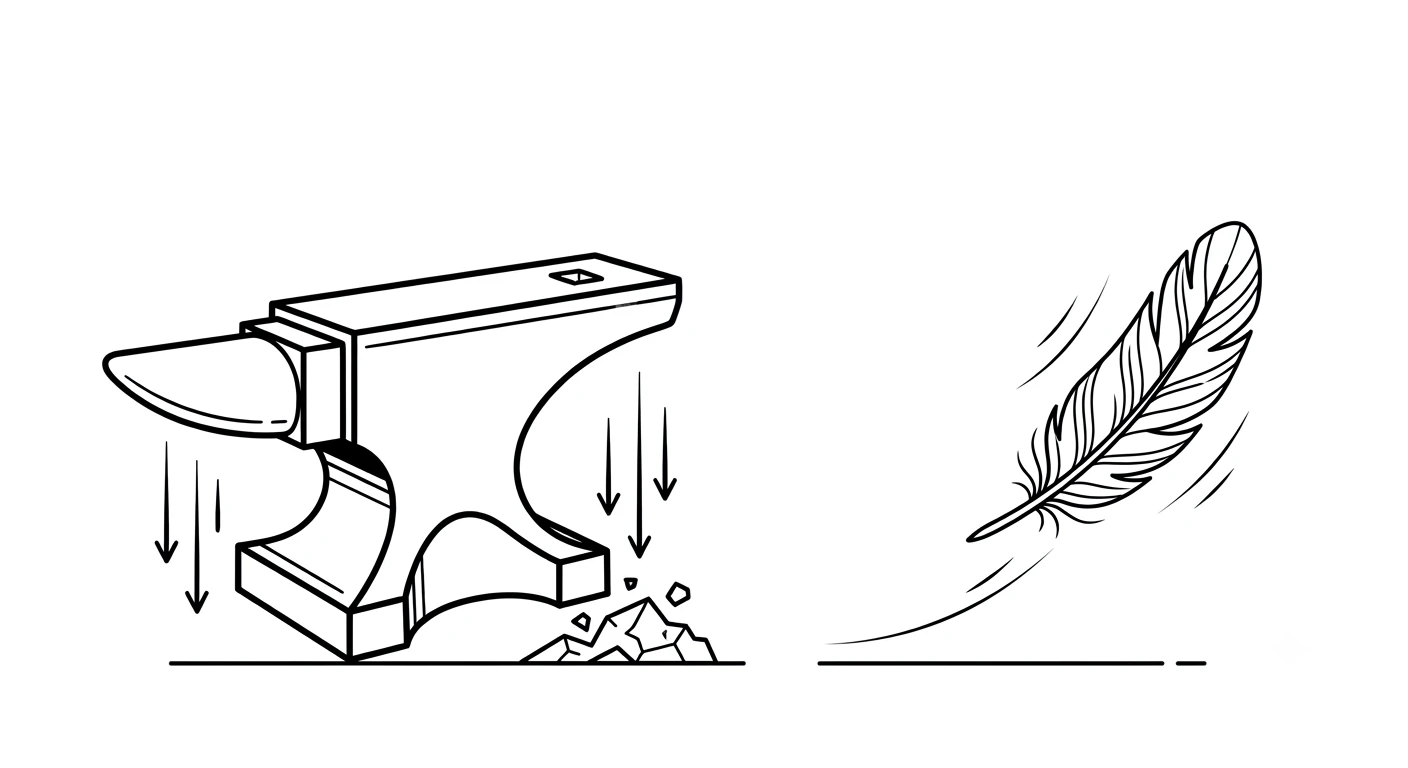
Movement indicates the weight of an item. It is logical that an item of great weight will be difficult to start, take a long time to accelerate, and requires significant time to slow down. Using various ways of controlling the acceleration and deceleration as well as the amount of forces required for acceleration, designers can make an item look either light or heavy.
In case of the animation, when a ball bounces in the instructional video, designers should ensure that the ball looks real and realistic; therefore, the designer should provide the proper weight of the item. If a heavy item simply stops without decelerating, it will look unnatural and fake. Therefore, designers use movement characteristics of an item to ensure realism of digital items such as floating balloons or rolling bowling balls.
4. Anticipation
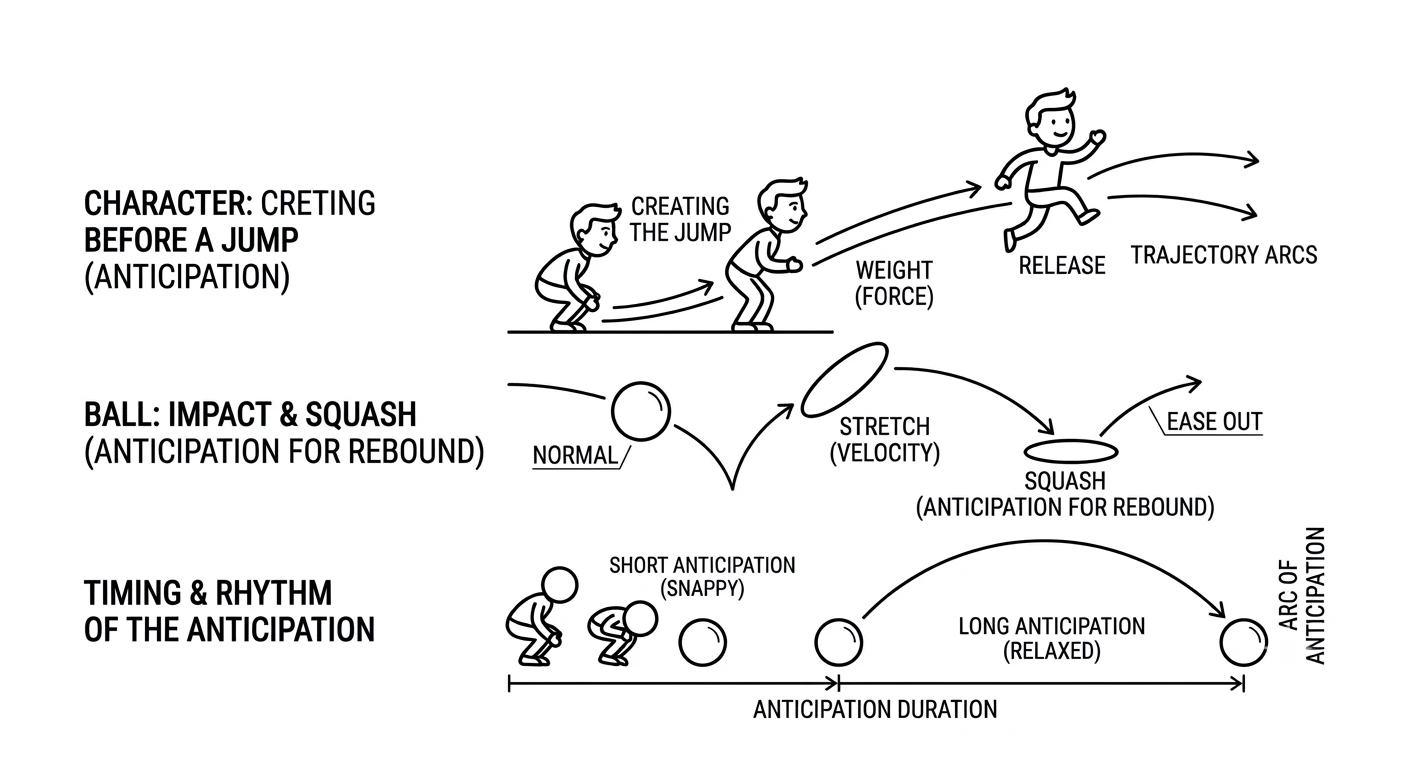
When something is about to happen, our brains need a heads up - that's where anticipation comes in. It's like a warning sign that says "get ready for this". For instance, if a character is about to jump, they'll bend their knees first. This little movement tells us what's coming next and helps us follow the action.
The same thing applies to motion graphics and UI animation. Let's say you're on a website and you click a button - the button might shrink a bit or change color just before the page changes. It's a small cue that prepares you for what's about to happen. Without it, things can feel sudden and jerky. But if you overdo it, the animation can start to feel slow and too dramatic. It's all about finding the right balance.
5. Arcs
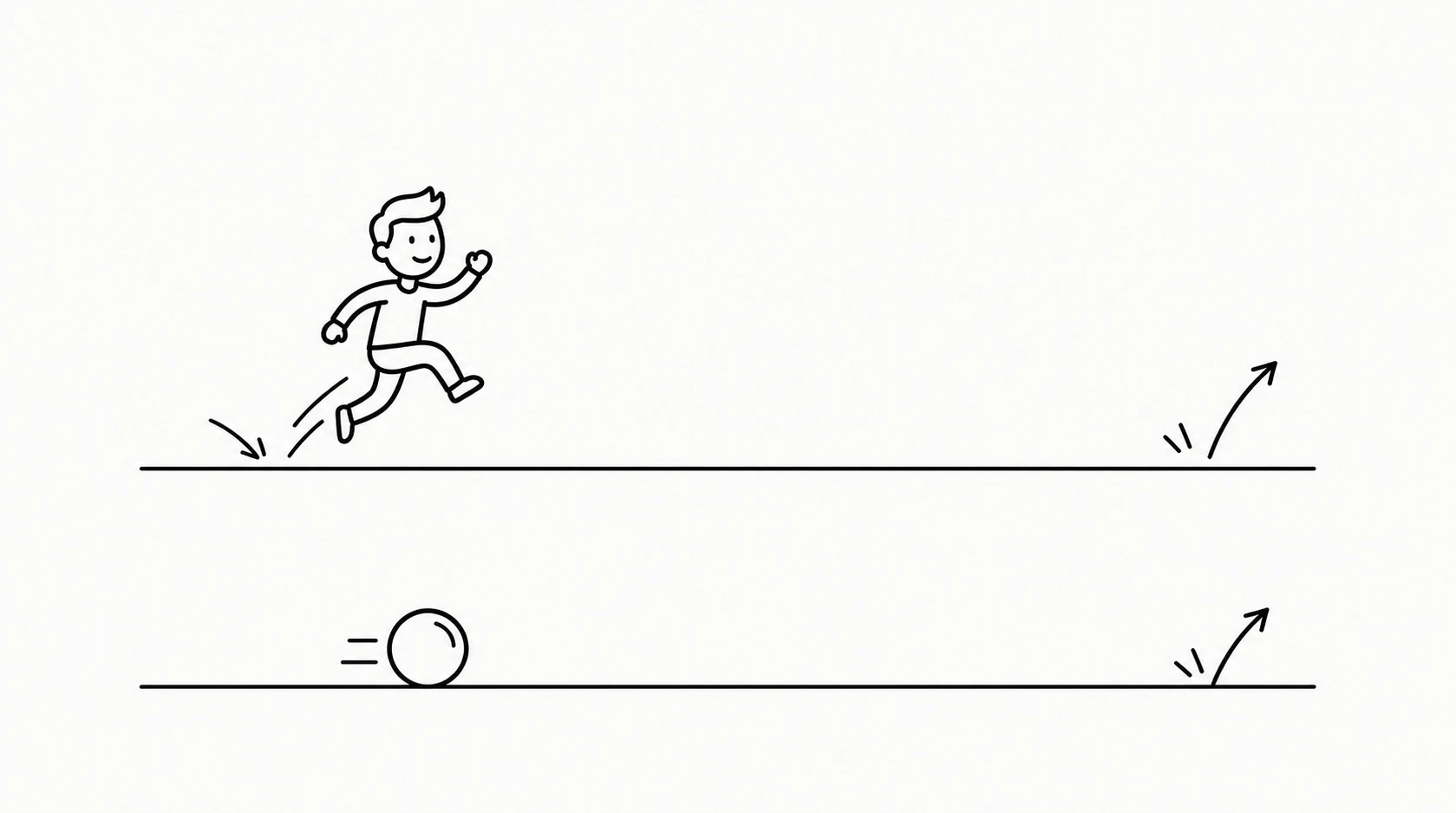
Movement in the real world almost never takes place in a straight line. Things usually move in curved paths, as seen in waving of hands and falling of leaves from trees. This explains the importance of arcs in making the animation appear more realistic. For instance, in a graphical animation in which the words slide into position, it appears more elegant if the words enter in a curved path. In fact, anything that looks too mechanical or technical is acceptable when made in a straight line but in all other cases, curved paths are preferred.
6. Squash, Stretch & Smears
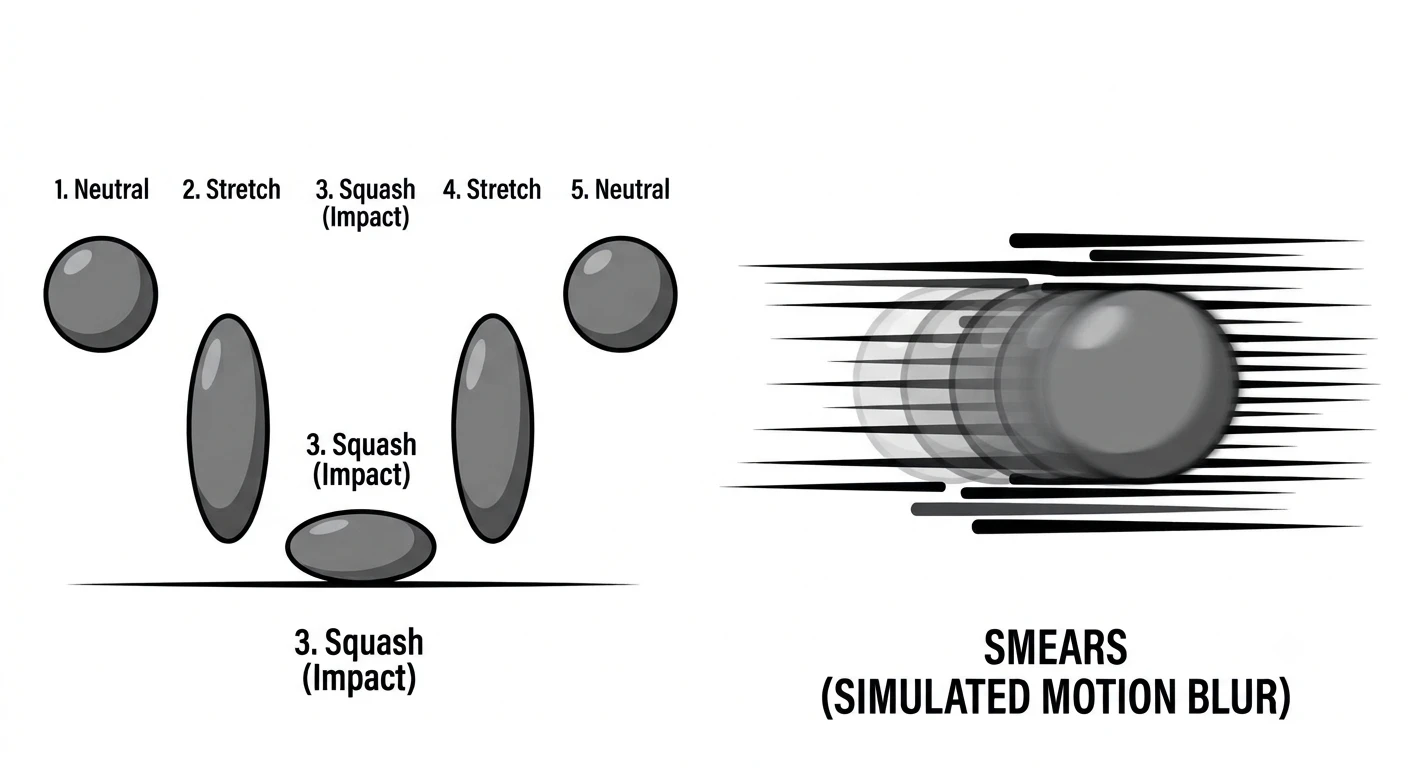
Animation can be made more engaging by using techniques like squash and stretch. This is where an object's shape changes to show it's flexible, like when a ball bounces. It squashes when it hits the ground and stretches as it bounces back. This works really well in animations that are meant to be fun and playful, like in cartoons or branding.
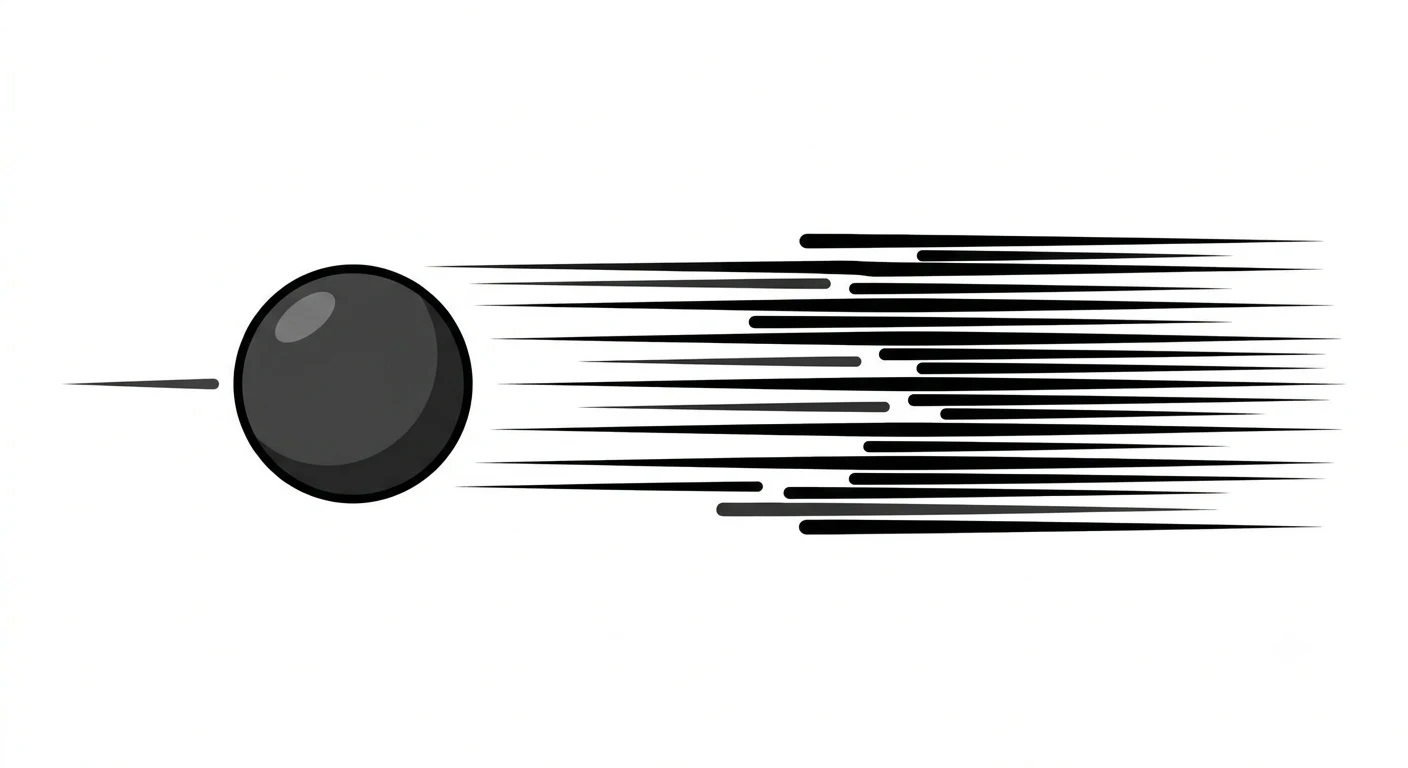
Another technique is called smear frames, which makes things look like they're moving really fast by stretching out the frames in between. It's like a blur that tricks your eye into thinking something is moving quickly. Using squash and stretch can add a lot of life to characters and objects in animation, but it's not always a good idea - if you use it on something that's supposed to be serious, like a company logo, it can look silly. So, it's all about knowing when to use these techniques and when to keep things more straightforward.
7. Follow Through & Overlapping Action
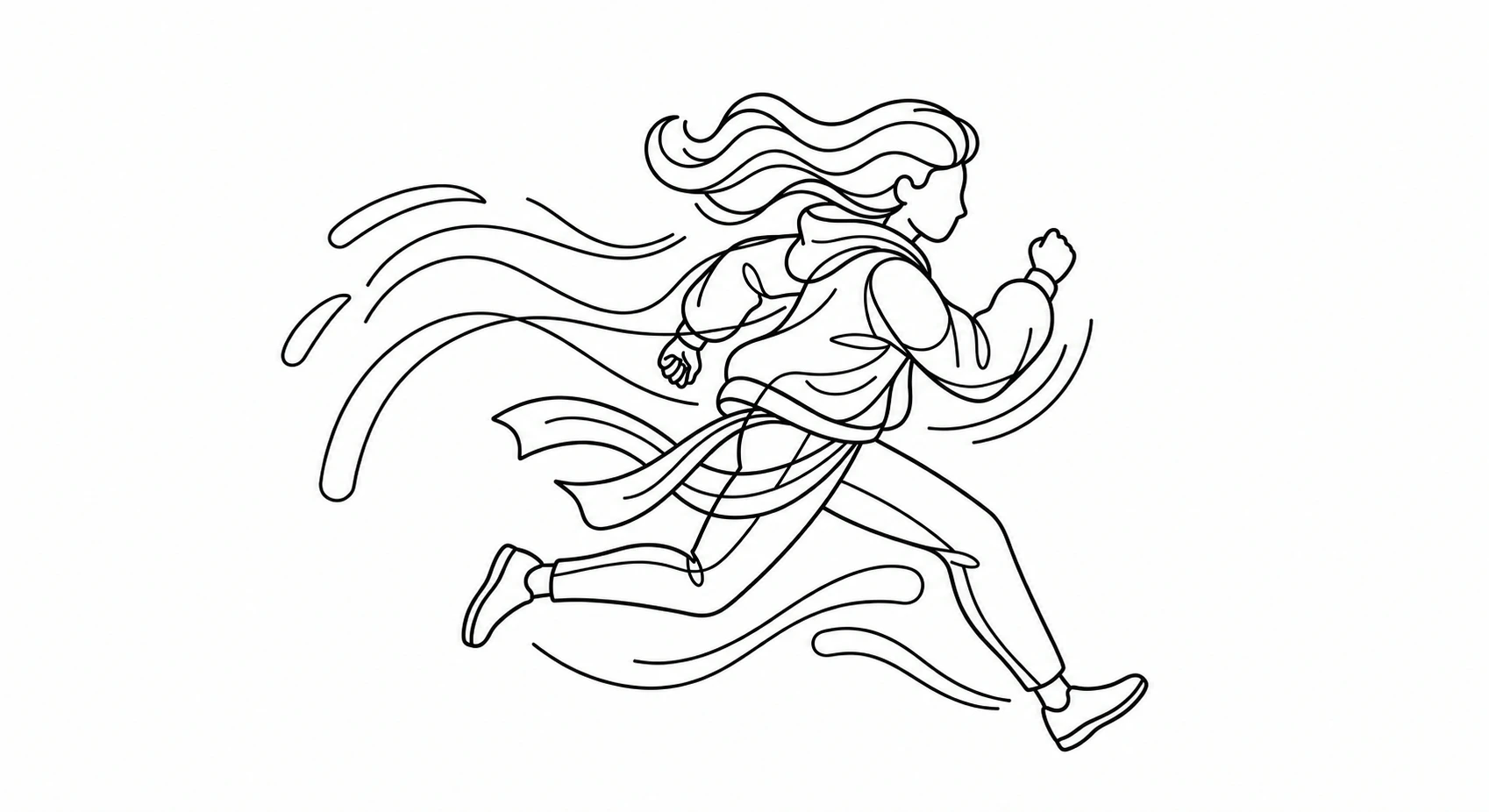
Follow through is when certain parts of an object continue to move after its major part stops. For instance, when a character falls on the ground, his or her hair continues to fall. Overlapping action implies different speeds of movement of certain body parts when performing the primary action, for instance, swinging of the tail behind the running character. Overlapping action contributes to a fluid performance of the main action and follow through is a kind of a finale.
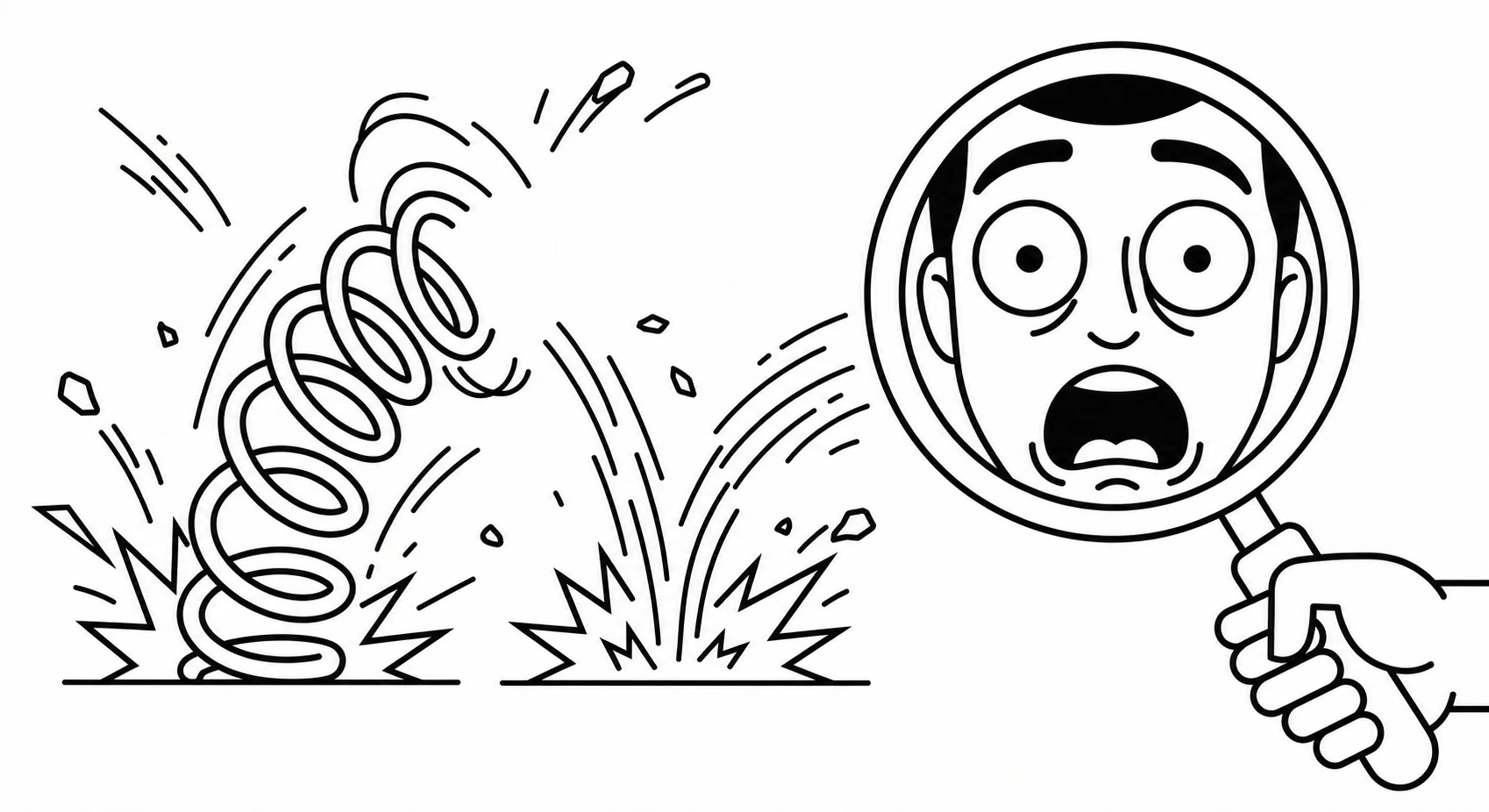
8. Exaggeration
Exaggeration is a technique used to accentuate the movements in order to make them more noticeable and engaging. However, exaggeration does not mean that you should go beyond the point. The main idea behind the exaggeration is to emphasize the key point of movement.
Thus, such exaggerated techniques as a greater bounce or zooming into the key action can capture the audience's attention and make it emotionally involved in the process. It becomes very helpful in case you have to view the video on a smaller screen (for instance, smartphone). Exaggeration is supposed to help to emphasize the key action without distorting it.
9. Secondary and Layered Animation
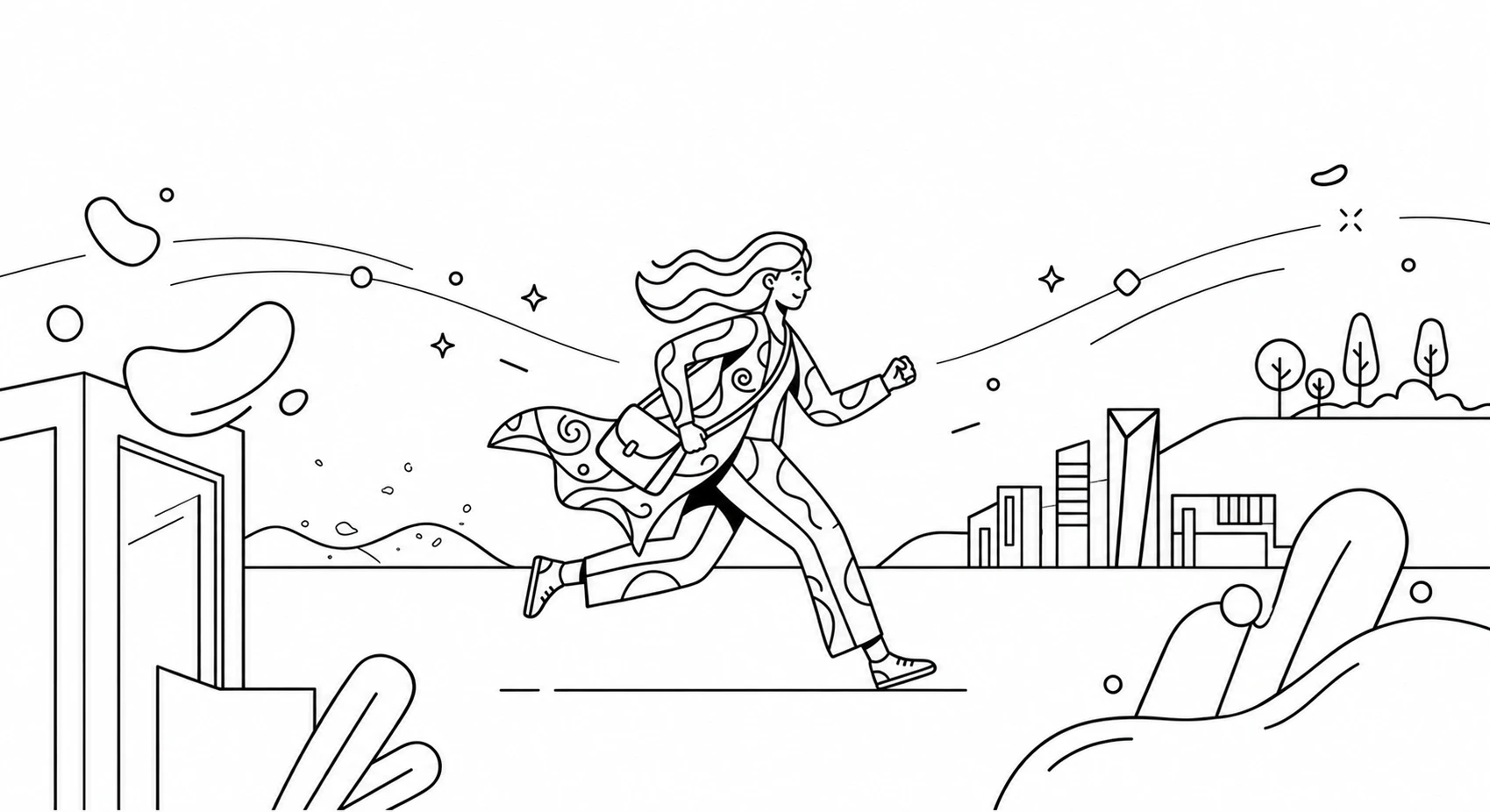
When you're creating motion graphics, it's the little things that can make a big difference. Adding some movement to the background or having secondary characters do their own thing can really make your animation pop. It's all about adding depth and visual interest to the main event.
For example, you can use a subtle parallax effect behind your main text to keep things lively without taking away from the main message. The key is to make sure your secondary animation is supporting the story, not overwhelming it. If you add too much, it can get cluttered and confusing - you don't want your viewer to be wondering where to look.
10. Appeal
It is the appeal which makes the animation different from others. The appeal is the quality which makes the viewer interested in it so that he remains interested in it even after watching it. The appeal contains clearness and legibility of the image, personality of the image, and consistency of the object and its movement. The appeal for the characters is the attractiveness of the image and body movement. If there are no characters in the motion graphic and only the image is present then the appeal can be defined as the beauty of the image created along with its colors and movement.
Conclusion
Mastering motion design is not just about learning a set of rules, it's about understanding how things move and how people react to movement. When you put these principles together, you can turn separate frames into smooth and effective animations.
The best way to get good at this is to practice. Start with small exercises, try out different ways of making things move, and pay attention to how things move in real life - like how heavy things move, how fast they go, and the paths they take. As you develop your own style, remember that these basics will always be the foundation of making motion design that looks great and really connects with the people watching it.


